Sleep Easy Knowing Your Data is Safe
In today's digital economy, data is your most valuable asset. A corrupted database, an accidental deletion, or a software upgrade gone wrong can cost days of downtime. To protect your business, you need a backup solution that is simple, reliable, and completely automated.
With LYNIO Block Volume Backups, we take the complexity out of data protection. You get enterprise-grade backups that capture point-in-time snapshots of your storage disks, allowing you to recover your systems in minutes.
Set-and-Forget Automation
Don't rely on manual reminders to back up your systems. With LYNIO Backup Profiles, you can design recurring backup schedules that fit your business compliance needs:
- Define Your Schedule: Choose how often backups run (e.g., daily at 2:00 AM, weekly, or monthly).
- Set Your Retention Policy: Choose how many backup generations to keep (e.g., "Keep the last 7 daily backups").
- Assign to Volumes: Attach the profile to your volumes in the console, and let our infrastructure do the rest.
Older backups are automatically rotated out, keeping your storage costs optimized while ensuring you always have a recent recovery point ready.
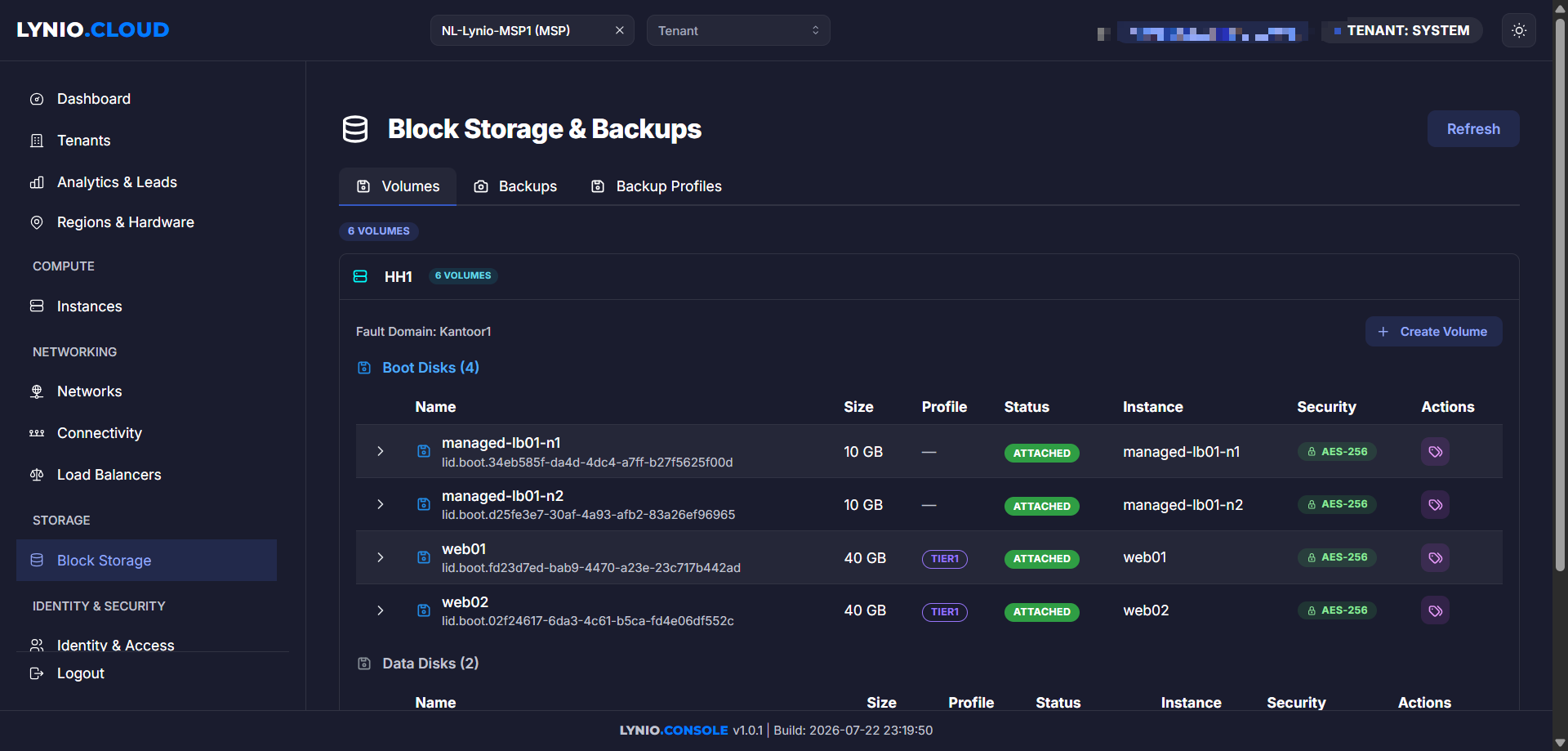
One-Click Restore: From Backup to Running Volume
A backup is only as good as its restore process. Many cloud providers make recovery a complex task involving disk conversion and CLI scripts.
On LYNIO, restoring data is a one-click affair:
- Instant Volume Provisioning: Select any backup in the console and click Restore to New Volume. Within seconds, a brand new, fully populated block volume is created.
- Hot-Attach Storage: Attach the restored volume to any running Compute Instance as a secondary disk, copy the files you need, or mount it as the primary boot volume to roll back your entire system state.
Whether you are taking a quick manual backup before applying a patch or establishing long-term backup rotation policies, LYNIO gives you the tools to protect your business. Explore the Backups page in the LYNIO Console to set up your first Backup Profile today!